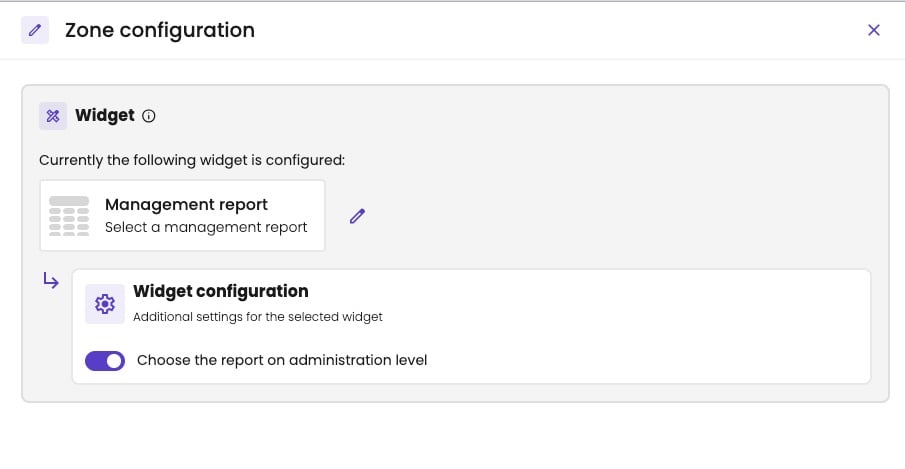
Add the widget
- Click a data zone of the slide. Zone configuration opens.
- Under Widget, choose Reports.
- Click Management report, and click Apply.
- Under Widget configuration, choose the Report.
![Zone configuration with Currently the following widget is configured: Management report, select a management report, with a pencil to change it. Below it, Widget configuration, additional settings for the selected widget, with the Report list open: My new custom report, Demo Friday and Bart's best report marked Administration, and P&L default [COPY] marked Tenant.](https://mintcdn.com/ai-gust/aZOMYpOrR_u3UYvB/images/meetings/widget-configuration.jpg?fit=max&auto=format&n=aZOMYpOrR_u3UYvB&q=85&s=469042ed9f8f98c5a1e8a03d7045acf5)
Choose the management report to show.
Options
In a meeting flow
A meeting flow isn’t tied to one administration. Under Widget configuration, you choose how the report is picked:![Zone configuration in a meeting flow with the Management report widget. Under Widget configuration, Choose the report on administration level is turned off, and the Report list is open with P&L default [COPY], marked Tenant.](https://mintcdn.com/ai-gust/oXbrH58DqjwgH8R_/images/meetings/flow-management-report-tenant.jpg?fit=max&auto=format&n=oXbrH58DqjwgH8R_&q=85&s=57911b3340f122e0f15811d050683fc1)
In a flow: choose a library report…

…or let the accountant choose the report in each meeting.
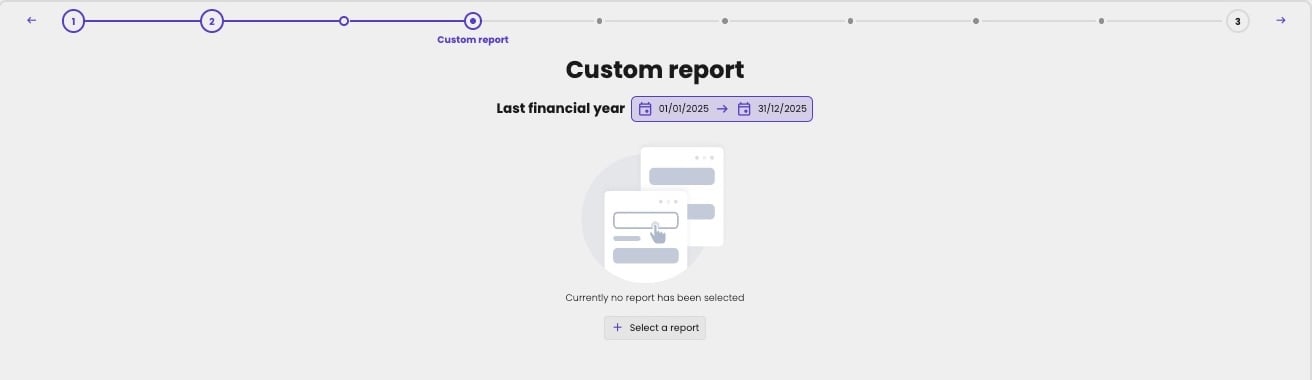
A placeholder slide in a meeting, before the accountant chooses the report.
Where it fits
A large zone, like the other report widgets. The slide’s time period and reporting level decide which columns it shows.
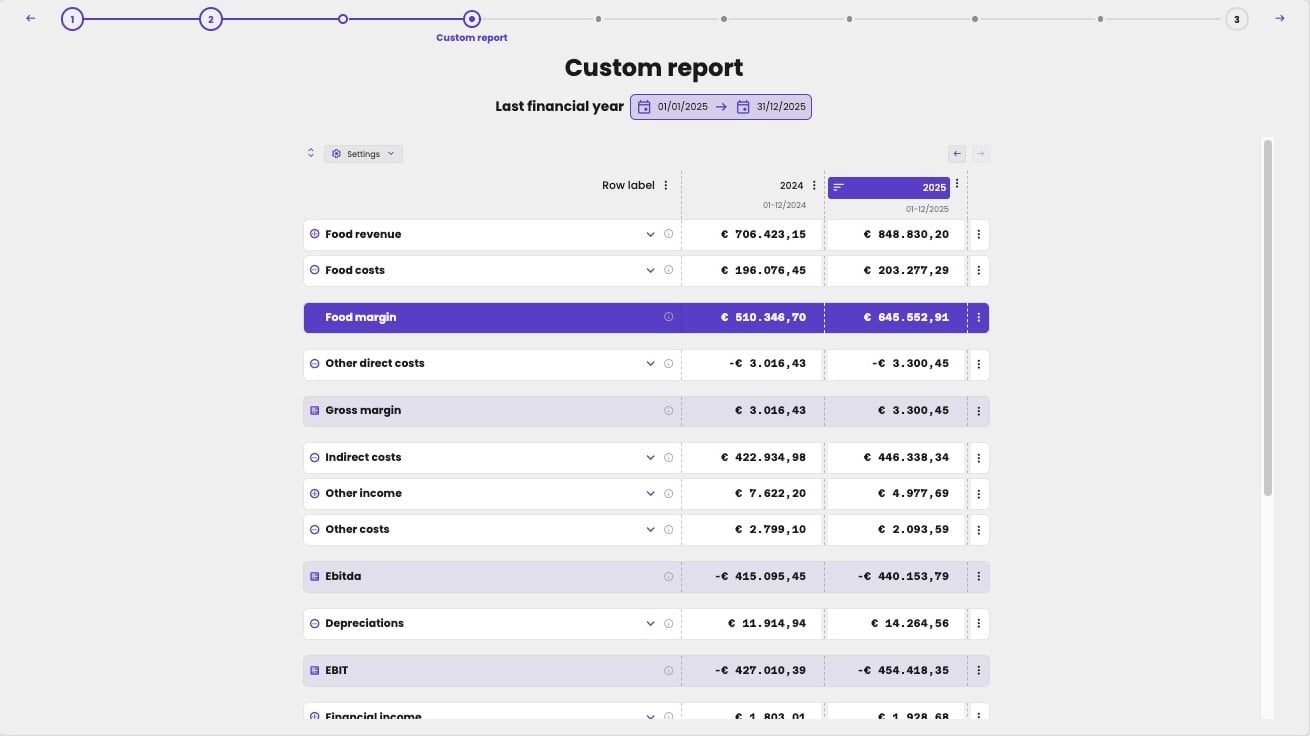
A management report on a slide, with the last two financial years.