

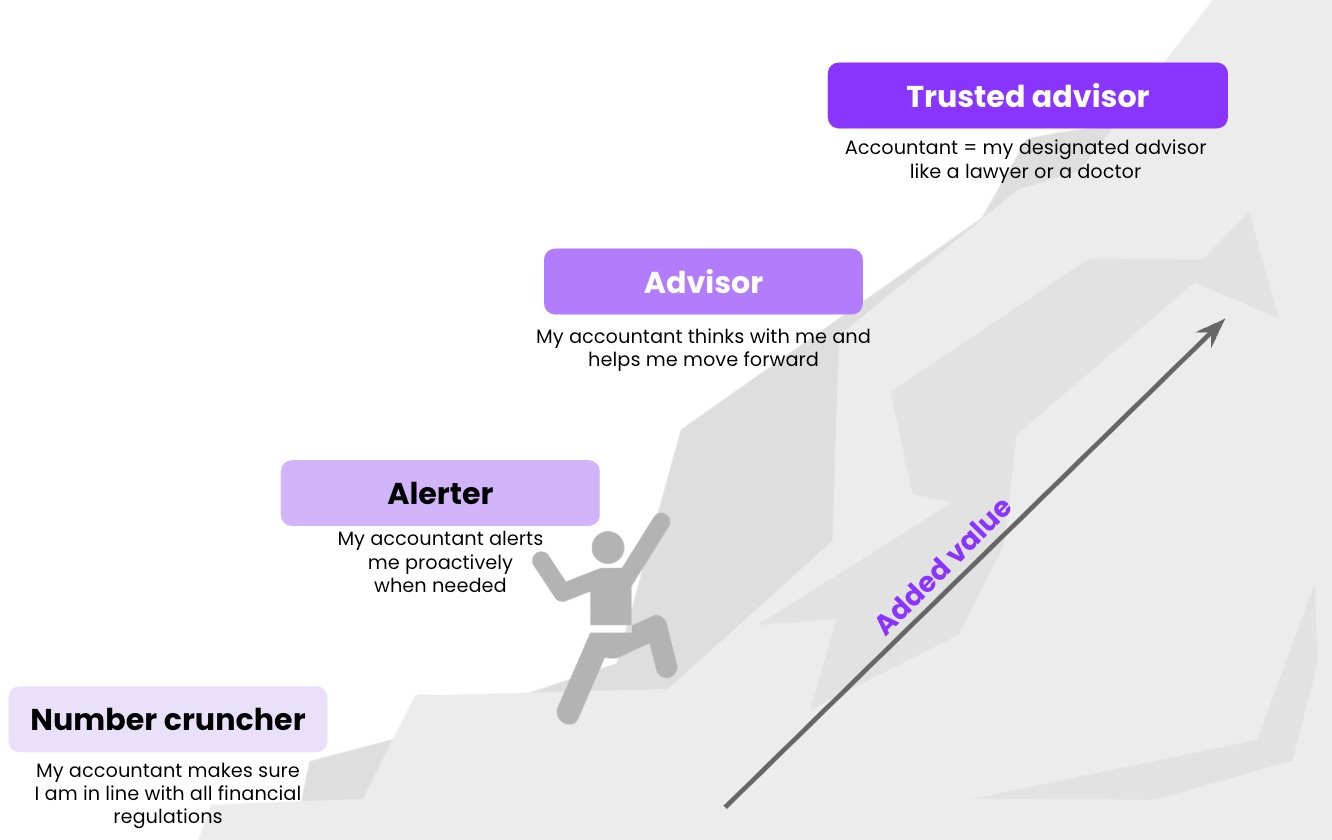
From number cruncher to trusted advisor.
- Number cruncher: you make sure your client is in line with all financial regulations.
- Alerter: you warn your client proactively when something needs attention.
- Advisor: you think with your client and help them move forward.
- Trusted advisor: your client sees you as their designated advisor, like a lawyer or a doctor.
How this documentation is organised
The documentation has two parts, one for each role at your firm.Key user guide
For key users. Set up aiGust for your whole firm and keep it running:
connect your data, manage users and access, set up your branding and the
client portal, define firm-wide settings such as report views, dashboards,
triggers and meeting flows, and follow usage and support.
User guide
For everyone at your firm. Use aiGust in your daily work: sign in, and
work with dashboards, reports, benchmarks, alerts, forecasts and client
meetings.
The aiGust platform
aiGust brings together the financial and personnel data of all your clients, shows what’s going on, and supports you from the first signal to the conversation with your client and the follow-up. It’s built in four layers.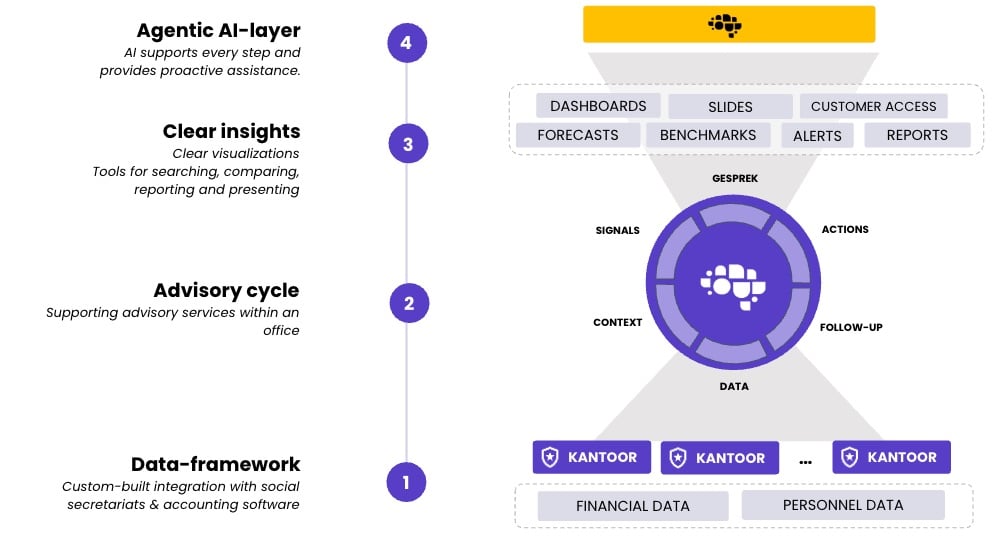
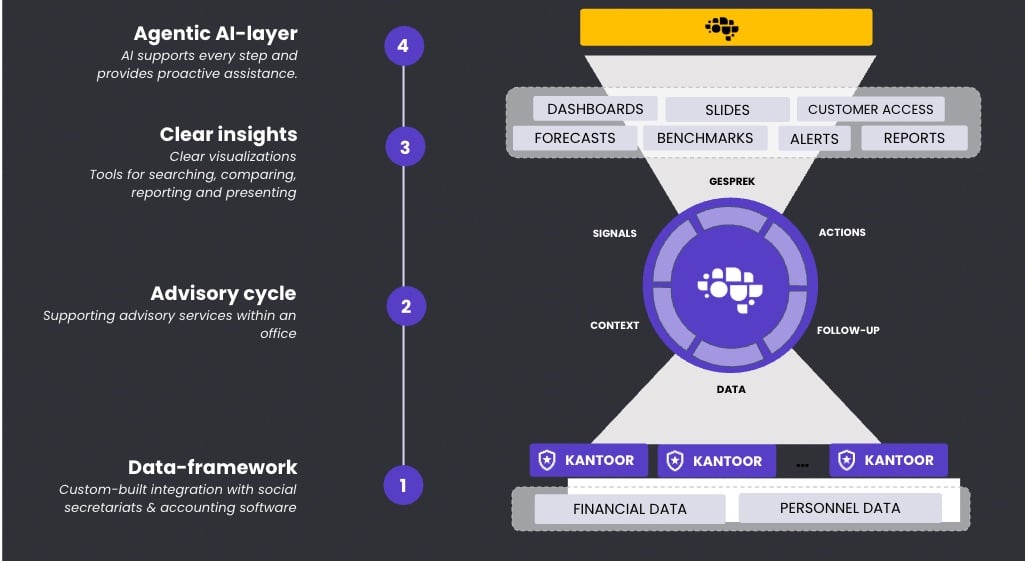
aiGust in four layers.
1. The data
aiGust connects to your firm’s accounting software and social secretariats. It imports the financial data and the personnel data of your clients, and keeps them up to date. See Data sources overview.2. The advisory cycle
Around that data, aiGust supports the way your firm advises its clients:- Data: the figures of each client, translated to one chart of accounts with labels.
- Context: the client’s sector and company type, and how it compares with its peers.
- Signals: triggers and alerts tell you when something needs your attention.
- Conversation: you discuss the figures with your client in a meeting.
- Actions: you agree on what to do.
- Follow-up: you follow up on those actions, and the cycle starts again with new data.
3. Clear insights
aiGust turns the data into views you can search, compare, report and present:- the dashboard and the reports of an administration;
- benchmarks against a peer group;
- forecasts;
- alerts;
- slides for your meetings;
- the client portal, where your clients see their own figures.