

The welcome email
When your firm adds you as a user, you get a welcome email. It has two buttons:- Open aiGust takes you to the sign-in page. Use it to sign in with Google or Microsoft.
- Wachtwoord instellen (Set password) lets you set a password, if you don’t sign in with Google or Microsoft. See Sign in with a password.
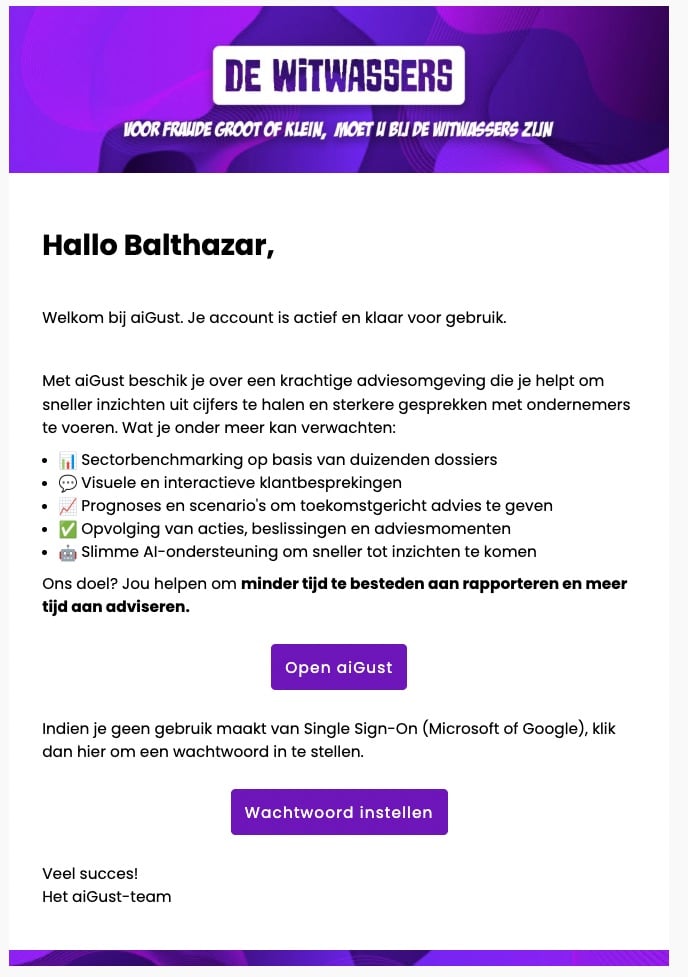
The welcome email, here in Dutch and with the branding of the firm.
Sign in with Google or Microsoft
- Go to app.ai-gust.io, or click Open aiGust in the welcome email.
- Click Continue with Google or Continue with microsoft.
- Sign in with your work account, as you usually do.
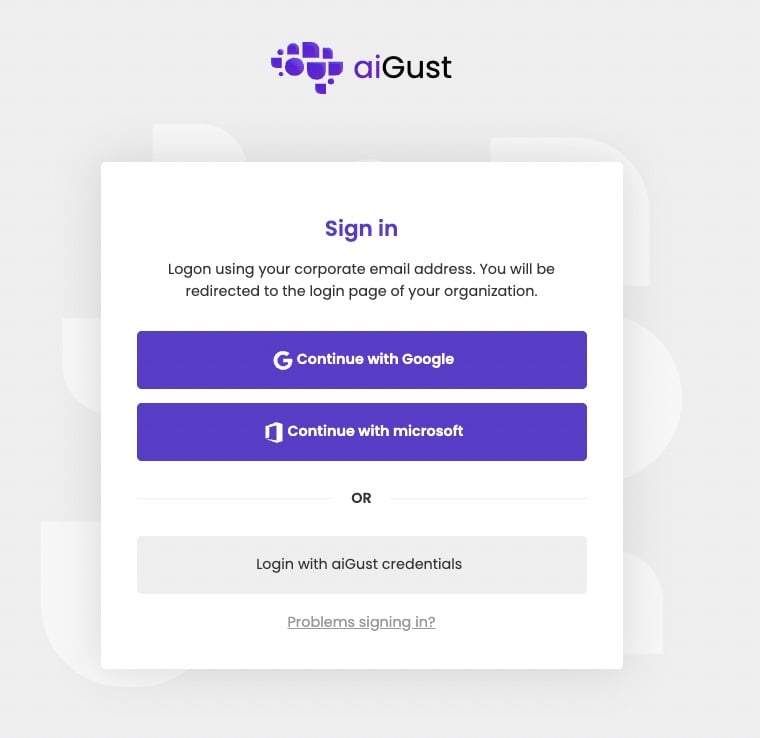
The sign-in page.
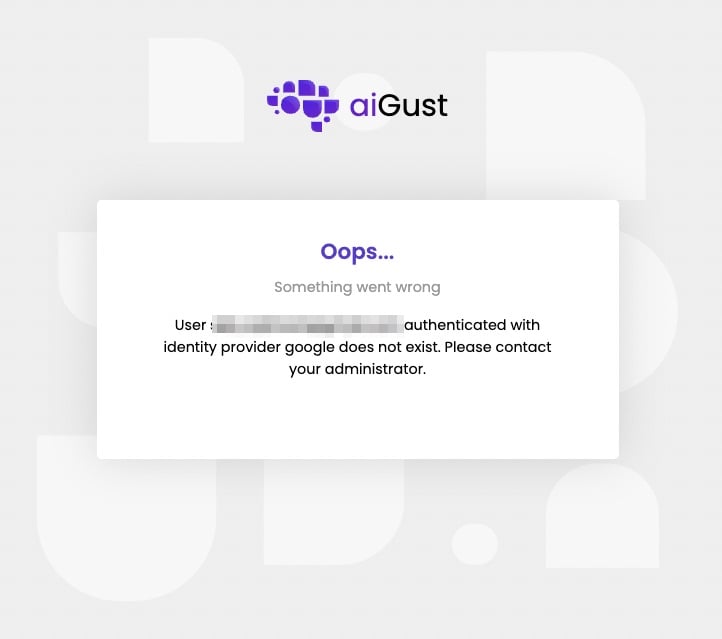
The email address of your account isn't known in aiGust.
Sign in with a password
If you don’t use Google or Microsoft, set a password first:- In the welcome email, click Wachtwoord instellen.
- On the page that opens, click Stel nu je wachtwoord in (Set your password now).
- Enter your new password, and confirm it.
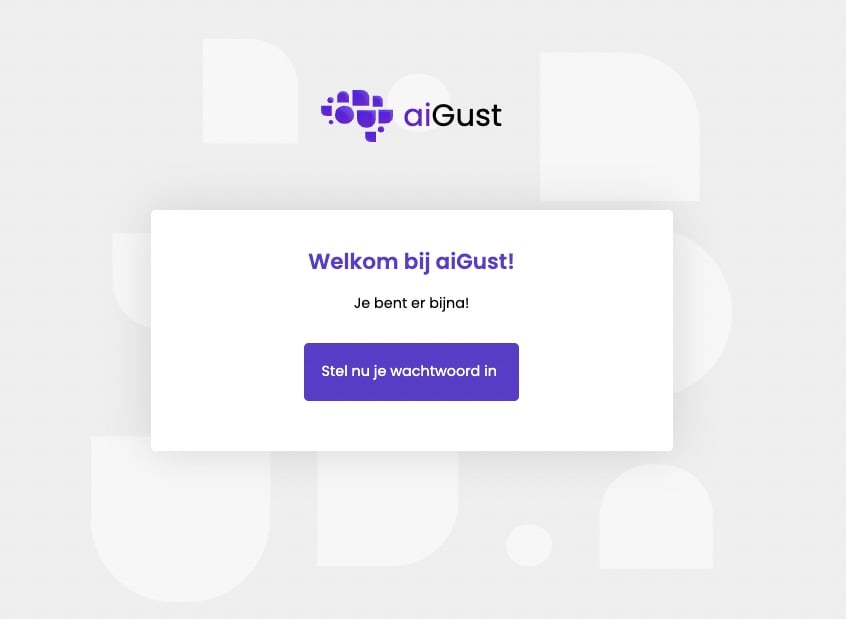
Set your password, here in Dutch.
- at least 8 characters;
- at least one letter, one digit and one uppercase letter.
- Click Login with aiGust credentials.
- Enter your Email and Password.
- Click Sign In.
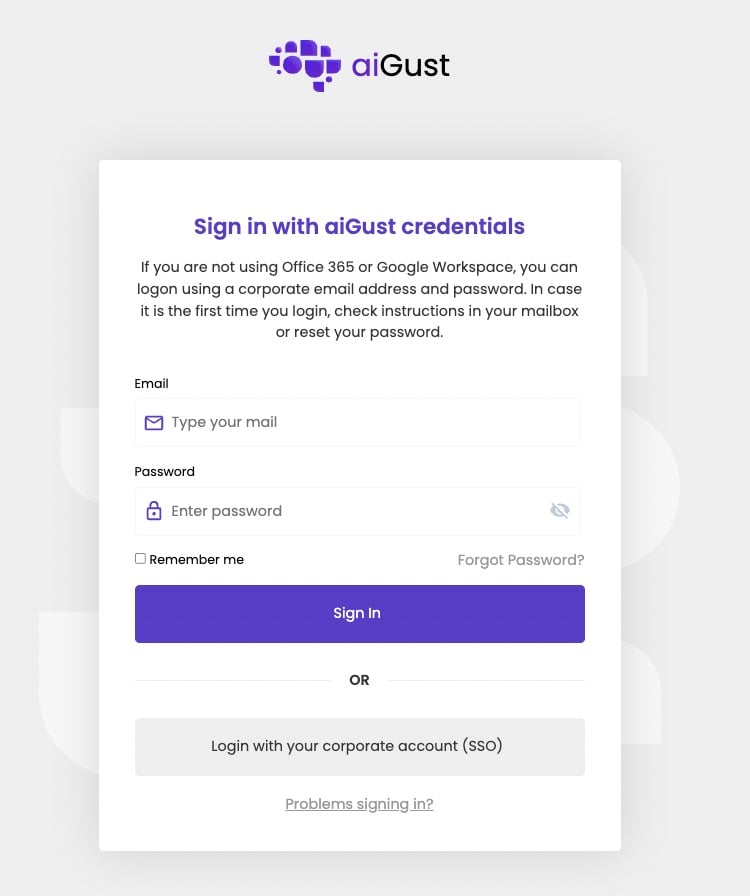
Sign in with your email address and password.
Forgot your password
- On the sign-in page, click Login with aiGust credentials, and then Forgot Password?.
- Enter your Email.
- Click Request reset password link.
- Open the email, and follow the link to set a new password.
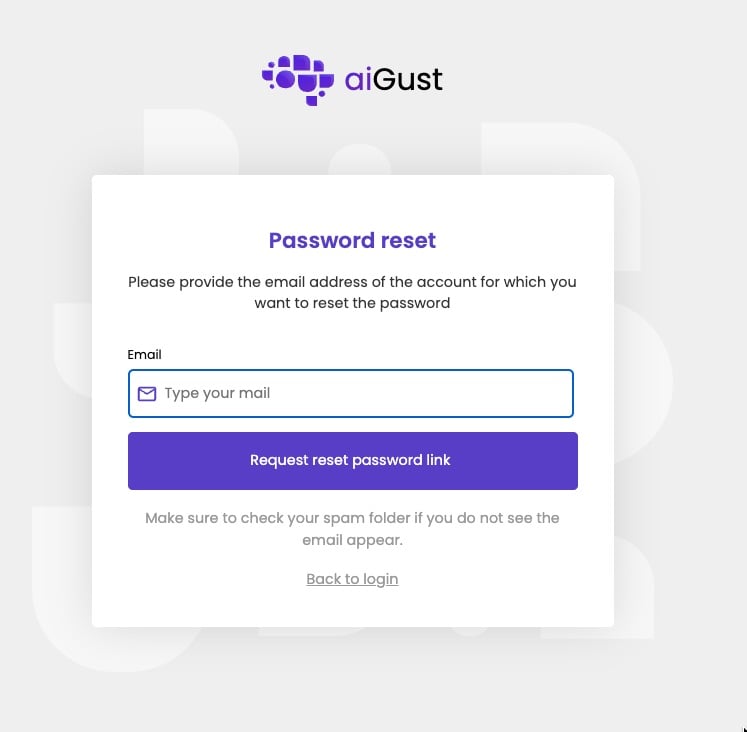
Request a link to reset your password.