

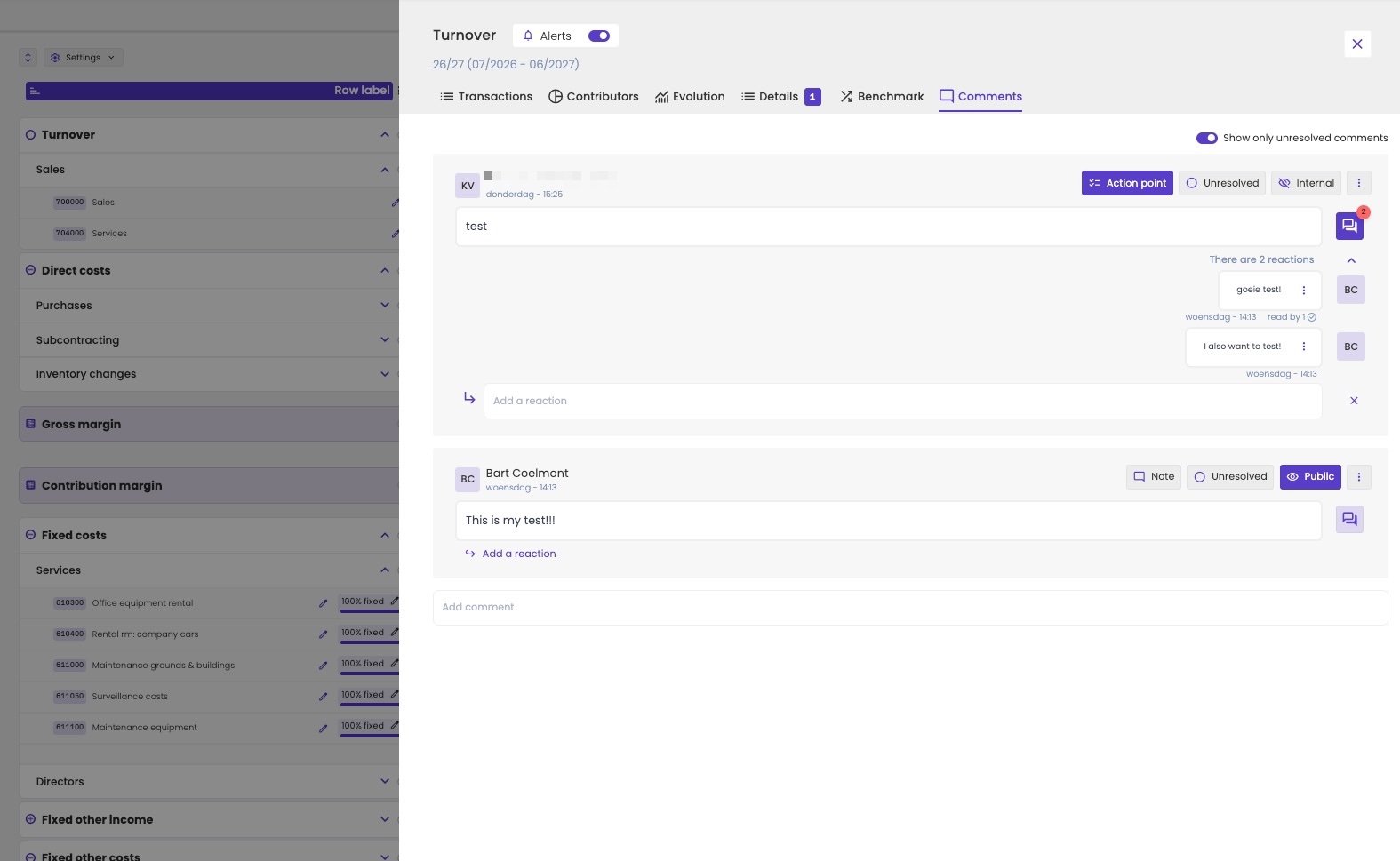
The comments on turnover, with an internal action point and a public note.
A comment is a thread
Type in Add comment to start a new comment. You and your colleagues can then reply to it with Add a reaction. Under a reaction, you see how many people read it.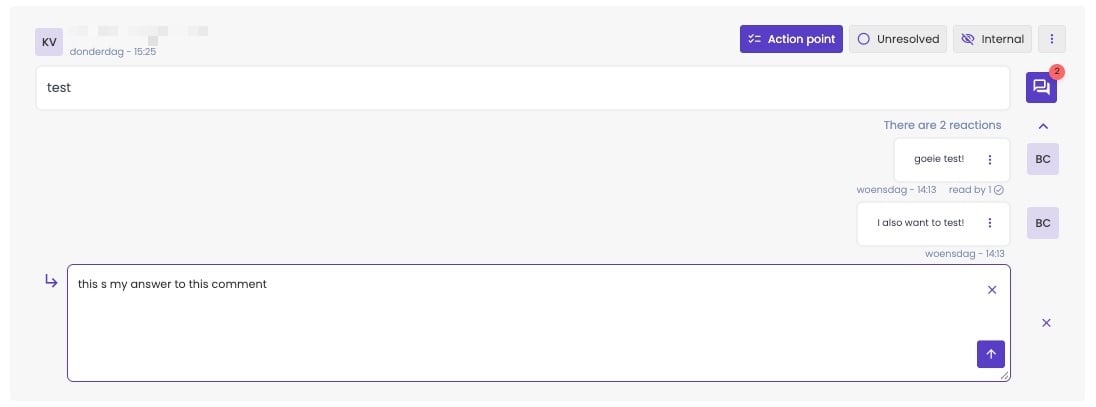
Reply to a comment.
Resolve a comment
When a comment is dealt with, mark it Resolved. It then disappears from the list and from the table, as if you deleted it. It still exists, though: turn off Show only unresolved comments to see it again.Where you see comments in the table
A cell with a comment is highlighted in your firm’s brand colour, with a speech bubble. The lines above it show a small speech bubble too, so you can find comments on lines you haven’t expanded. Example: in the screenshot below, account 610300 Office equipment rental has a comment in 25/26. Services and Fixed costs show a speech bubble in 25/26 too.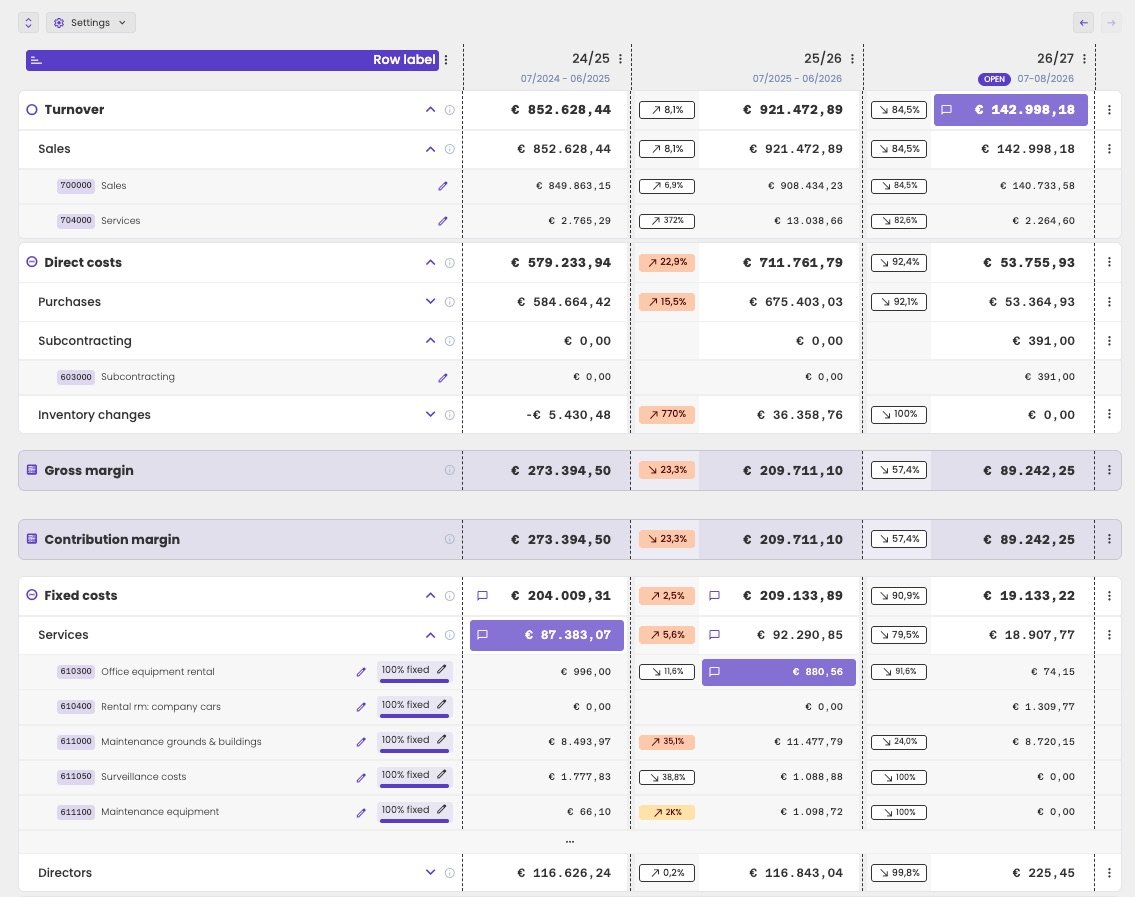
Comments in the profit and loss: highlighted cells, and speech bubbles on the lines above them.
- A comment on a quarter or a period doesn’t show in the year view or the year-to-date view. Switch to the quarter view to see it.
- A comment on an account only shows while you group by account. When you group by business partner instead, you still see the speech bubble on the group, but not on the lines below it.
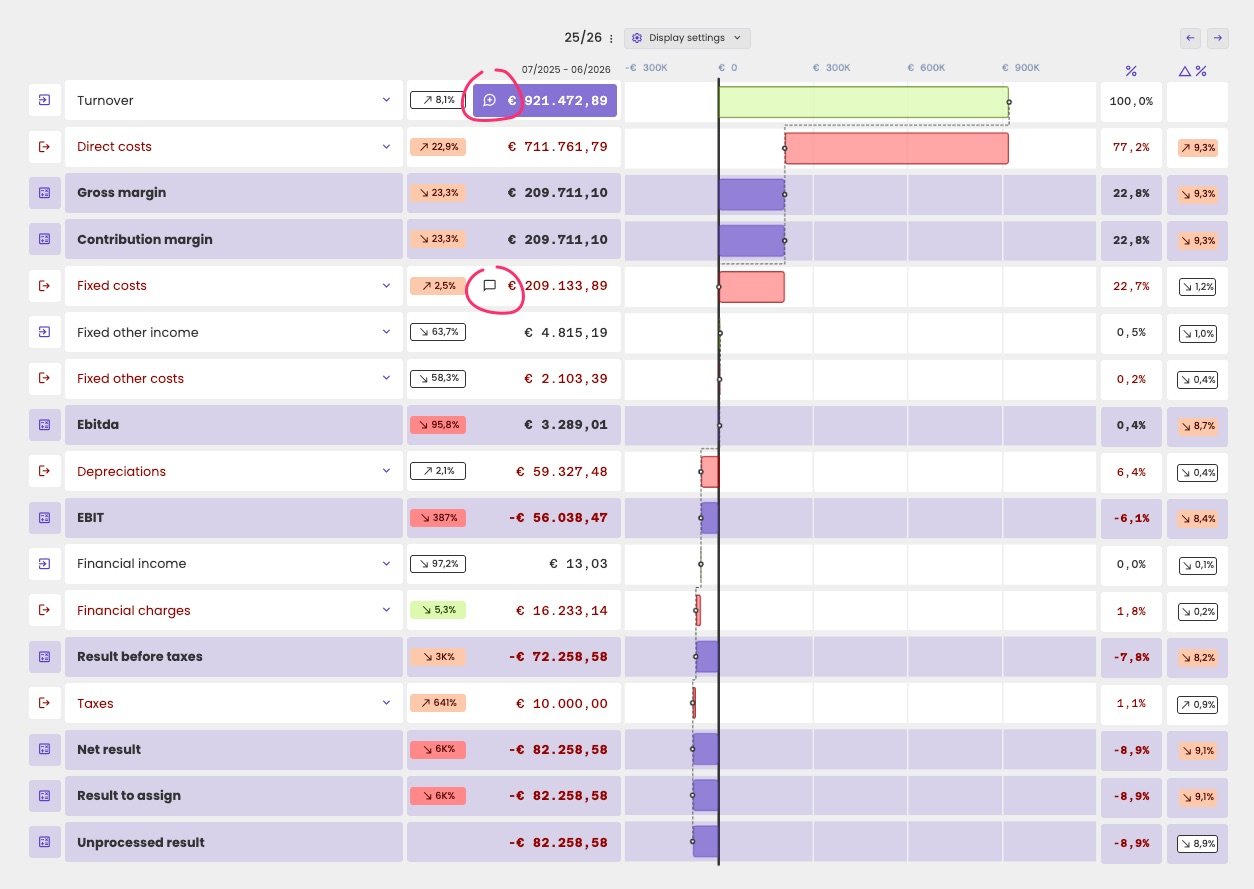
Comments in the waterfall chart.