

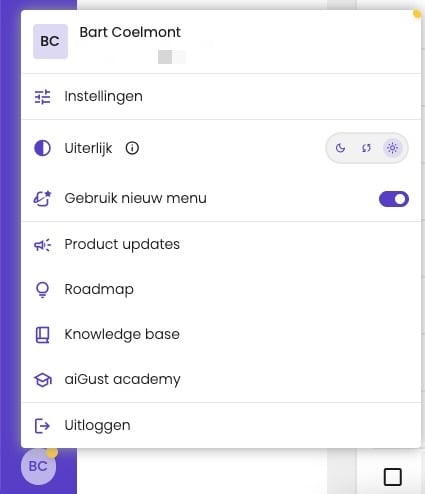
Your user menu, here in Dutch.
Your name and language
- Click Settings in your user menu, and open the Profile tab.
- Change your First name and Last name, or choose a Language: nl, en or fr.
- Click Save.
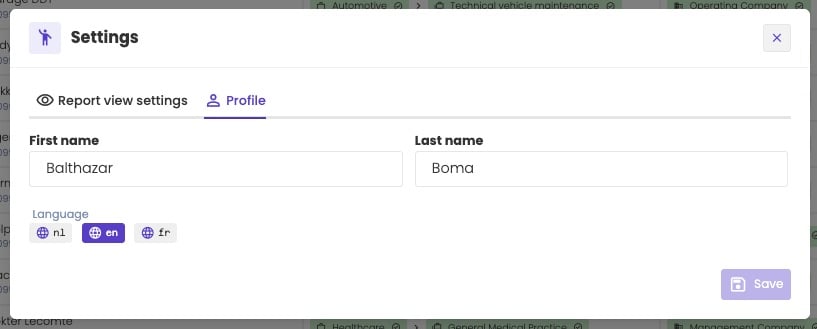
Your name and language.
How reports look
Your firm sets how financial reports look by default, such as the column order and how many years you see. You can override that for yourself.- Click Settings in your user menu, and open the Report view settings tab.
- Turn on Use your custom reporting view instead of the default settings.
- Change the settings, and click Save.
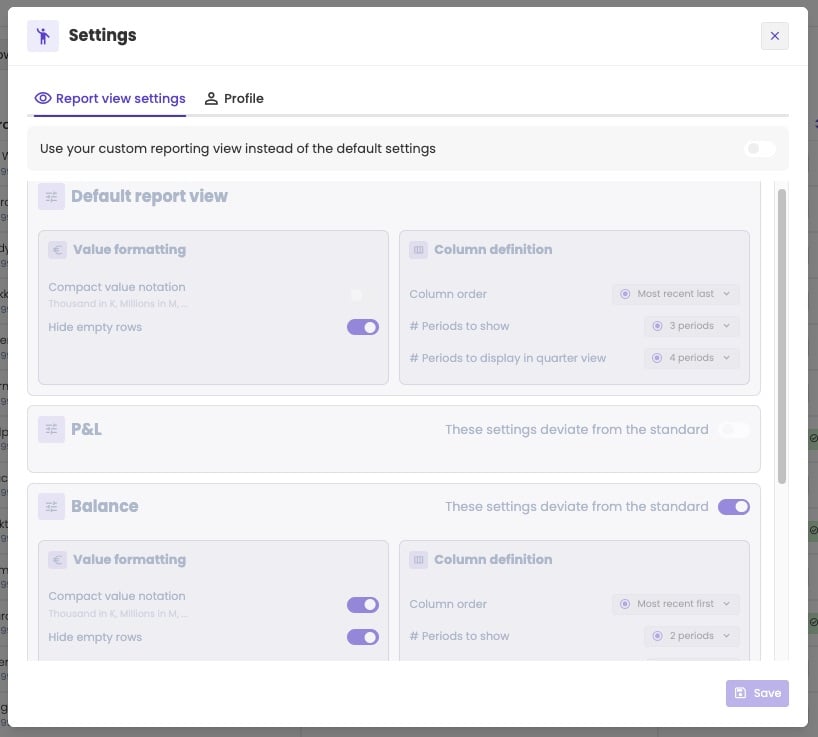
The switch is off: you use your firm's settings.
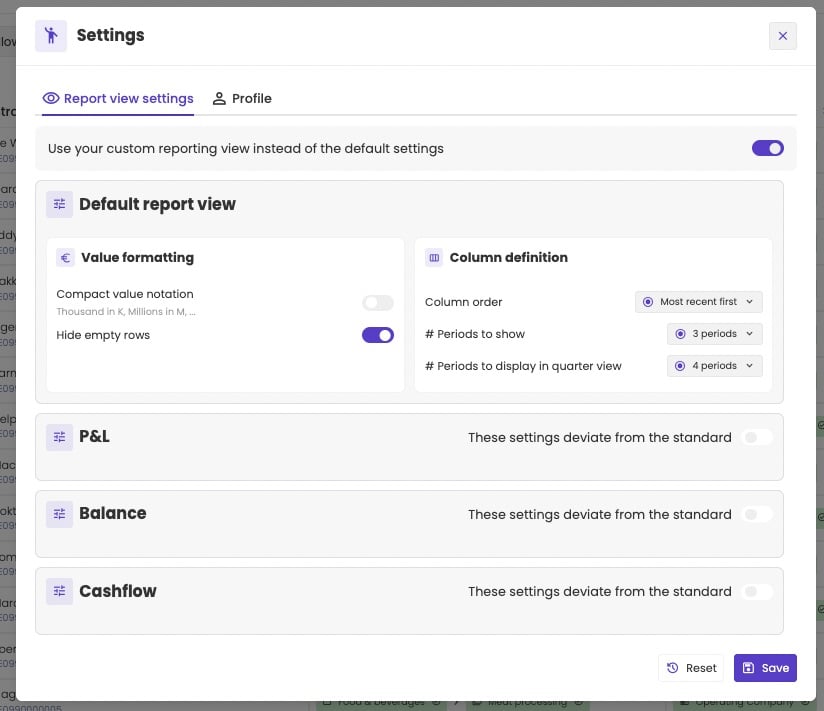
Your own report view settings.
To use other settings for one report, turn on These settings deviate from the standard for P&L, Balance or Cashflow, and set its own values.
Click Reset to go back to your firm’s settings. If your firm hasn’t set any, you get aiGust’s defaults.
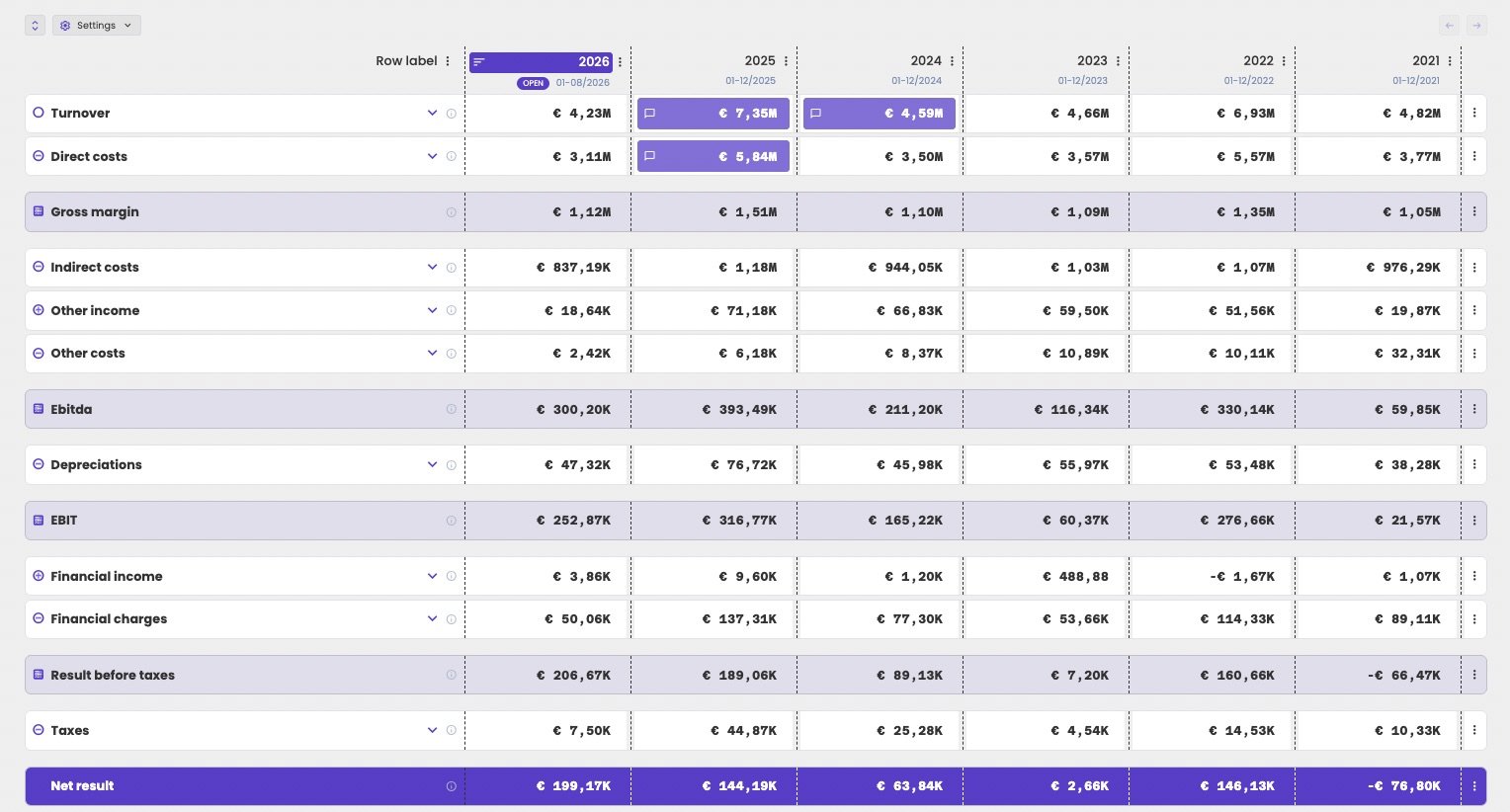
A profit and loss with compact value notation and the most recent year first.
Light mode and dark mode
Under Appearance in your user menu, choose:- the moon for dark mode;
- the arrows to follow the setting of your computer. That’s the default;
- the sun for light mode.