

Open the settings
Click Settings in the main rail, and choose Financial report display settings.- Turn on Use your custom reporting view instead of the default aiGust settings. While it’s off, everyone gets aiGust’s defaults.
- Change the settings described below.
- Click Save.
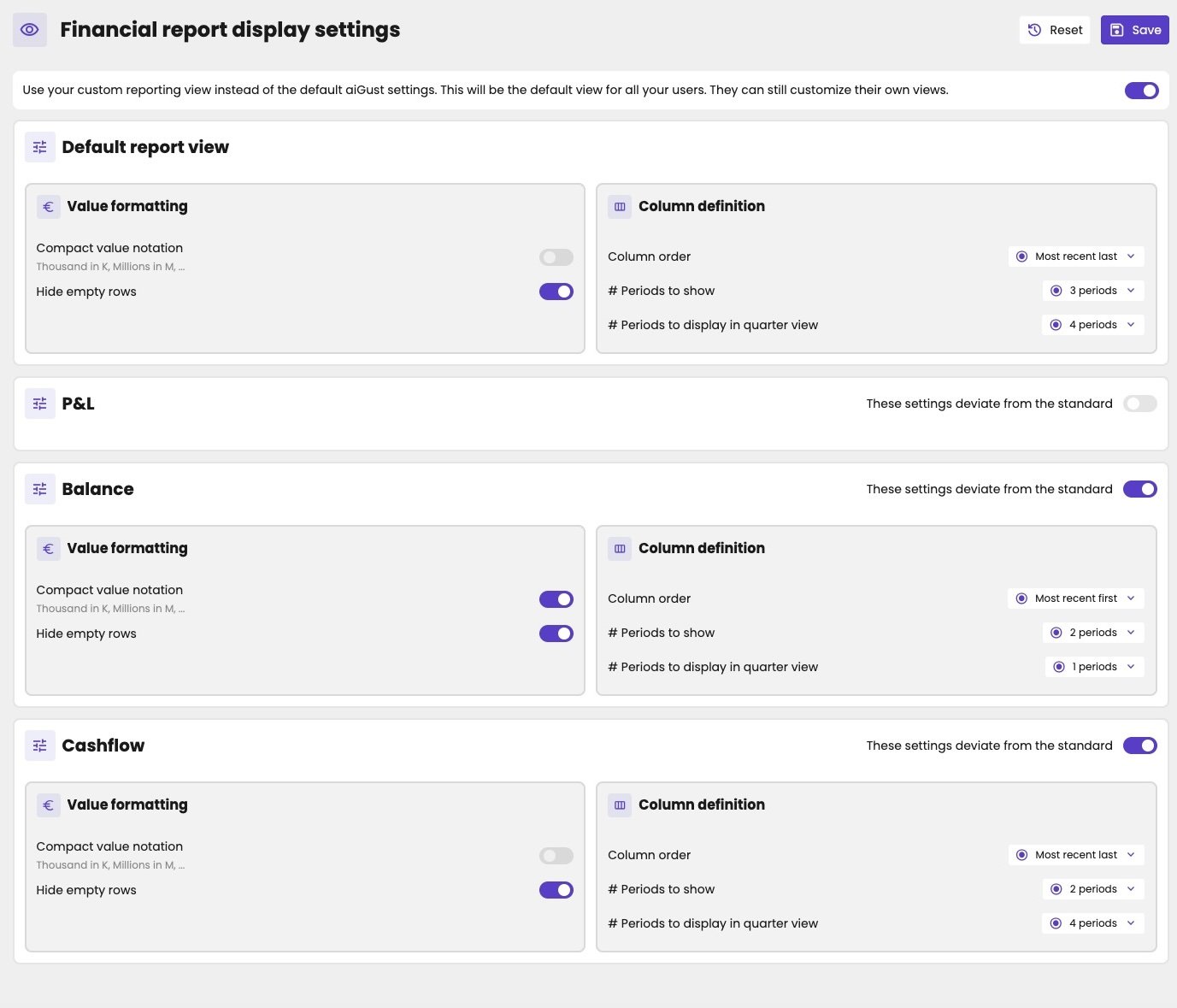
Your firm's report view settings, with different settings for the balance sheet and the cash flow.
Available settings
The settings are grouped in a Default report view, which applies to every report:
A smaller number of periods helps on a laptop or when presenting. Readers can scroll to the other periods with the arrows above the table.