Branding assets are your firm’s own cloud drive for branding: logos, background images, the header and footer of your emails, or the title page of a PDF report. Upload them once, and pick them wherever aiGust asks for an image, for example as the background of a meeting’s intro slide. Click Settings in the main rail, and choose Branding assets.
Only key users can manage your firm’s branding.
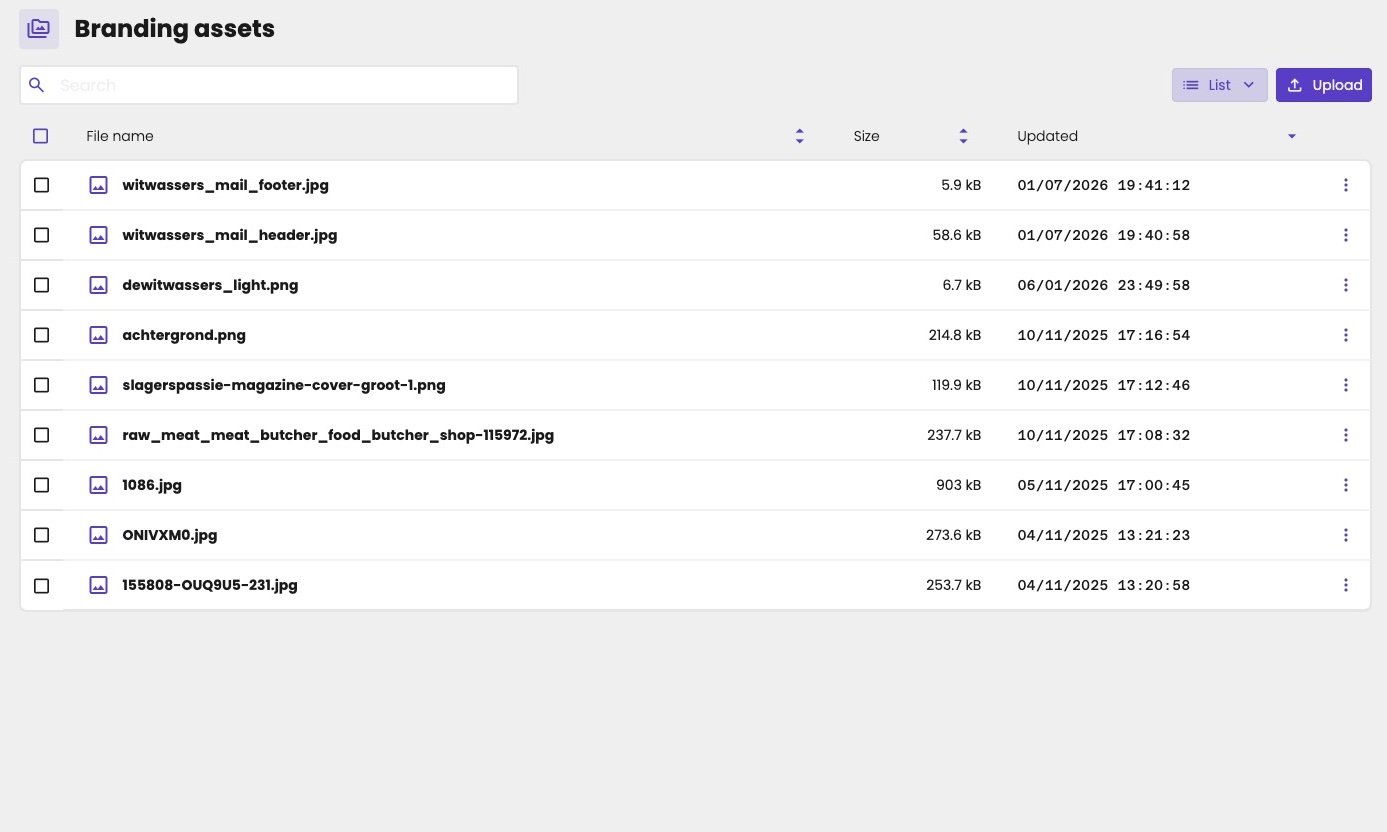
Branding assets page with a Search field, a List switch and an Upload button. The list shows image files such as witwassers_mail_footer.jpg, witwassers_mail_header.jpg and dewitwassers_light.png, with their size and the date they were updated.

Your firm's branding assets.

Upload a branding asset

  1. Click Upload.
  2. Select a file, or drag and drop it. You can upload PNG, JPG and WebP files.
  3. Click Next.
Click the three dots on a file to Download or Delete it.
Branding assets are publicly available, for example so that email programs can show your header. Store confidential documents in the cloud drive of the administration instead.

Where you use them

  • Meetings: as the background image of the intro slide. See A background image.
  • Emails: as the header and footer. See Mail layout.
  • PDF reports: for example as the title page, once PDF reports are back. See PDF reports.

Firm and administration branding

Each administration also has branding files of its own, such as its logo.