

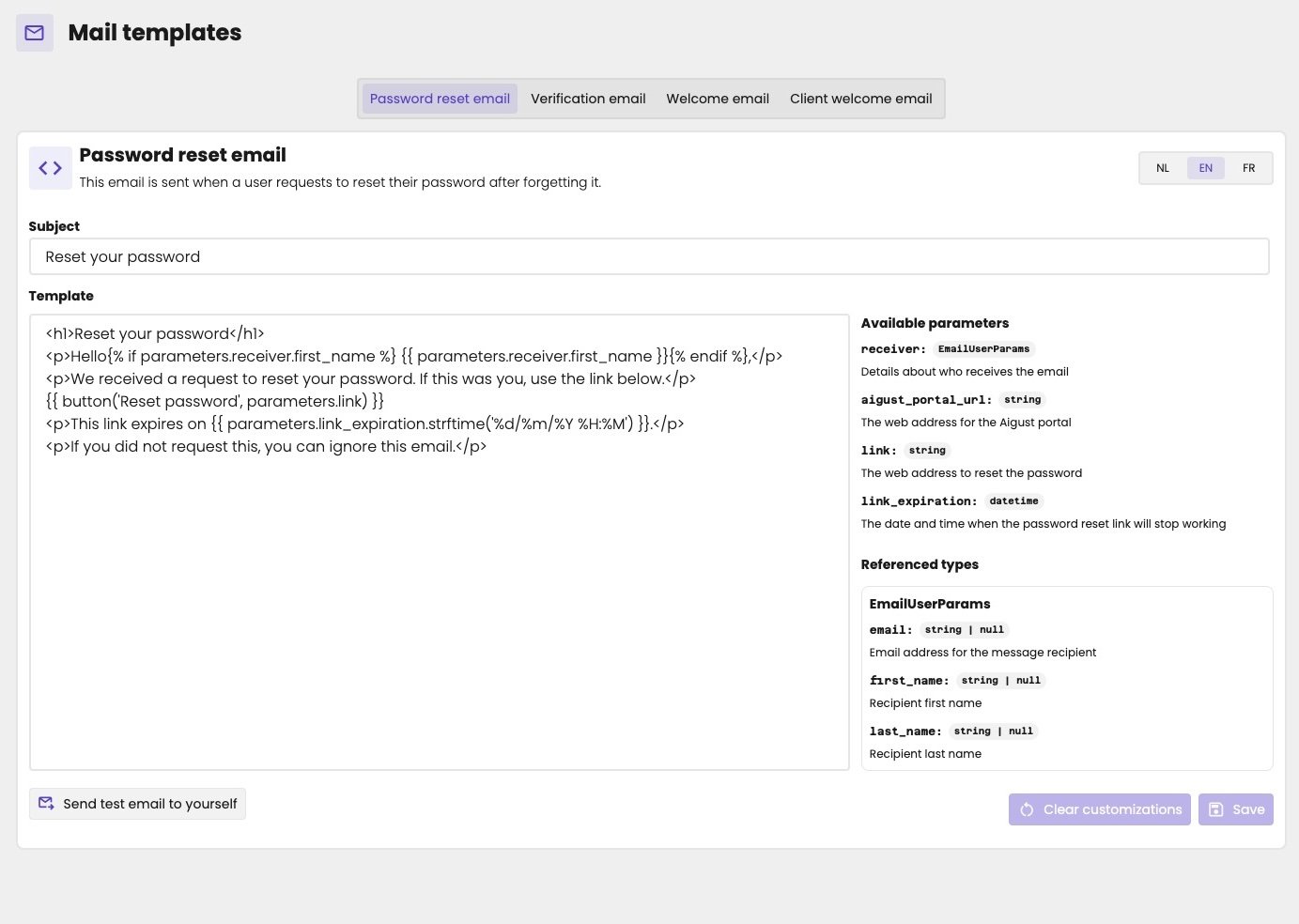
The template of the welcome email.
The emails aiGust sends
We may add more emails later.
The header, footer and colours of the emails come from the mail layout. See Mail layout.
Edit a template
- Click the template at the top.
- Choose the language with nl, en or fr. Each language has its own template.
- Change the Subject and the Template.
- Click Save.
Write a template
A template is HTML. You make it personal with the Jinja templating language.Parameters
Write{{ parameters.<name> }} to fill in a value. Available parameters, to the right of the template, lists the parameters of the email, such as:
receiver: who receives the email, with theiremail,first_nameandlast_name, as listed under Referenced types.aigust_portal_url: the web address of aiGust.password_update_link: the link to set a password.
{{ parameters.receiver.first_name }} fills in the first name of the recipient.
Conditions
With{% if %}, you only show something when a condition is true. The welcome email uses it to greet the recipient by their first name, if aiGust knows it:
Buttons
Thebutton macro adds a button, with a label and a link. It uses the button colours of the mail settings.