

Options
Under Display options:
The options of the KPI chart.
- While you present, click the eye next to a benchmark line in the table below the chart.
- For the whole meeting, open the meeting settings, and choose Disable benchmarking under Benchmark group.
Where it fits
A medium or large zone.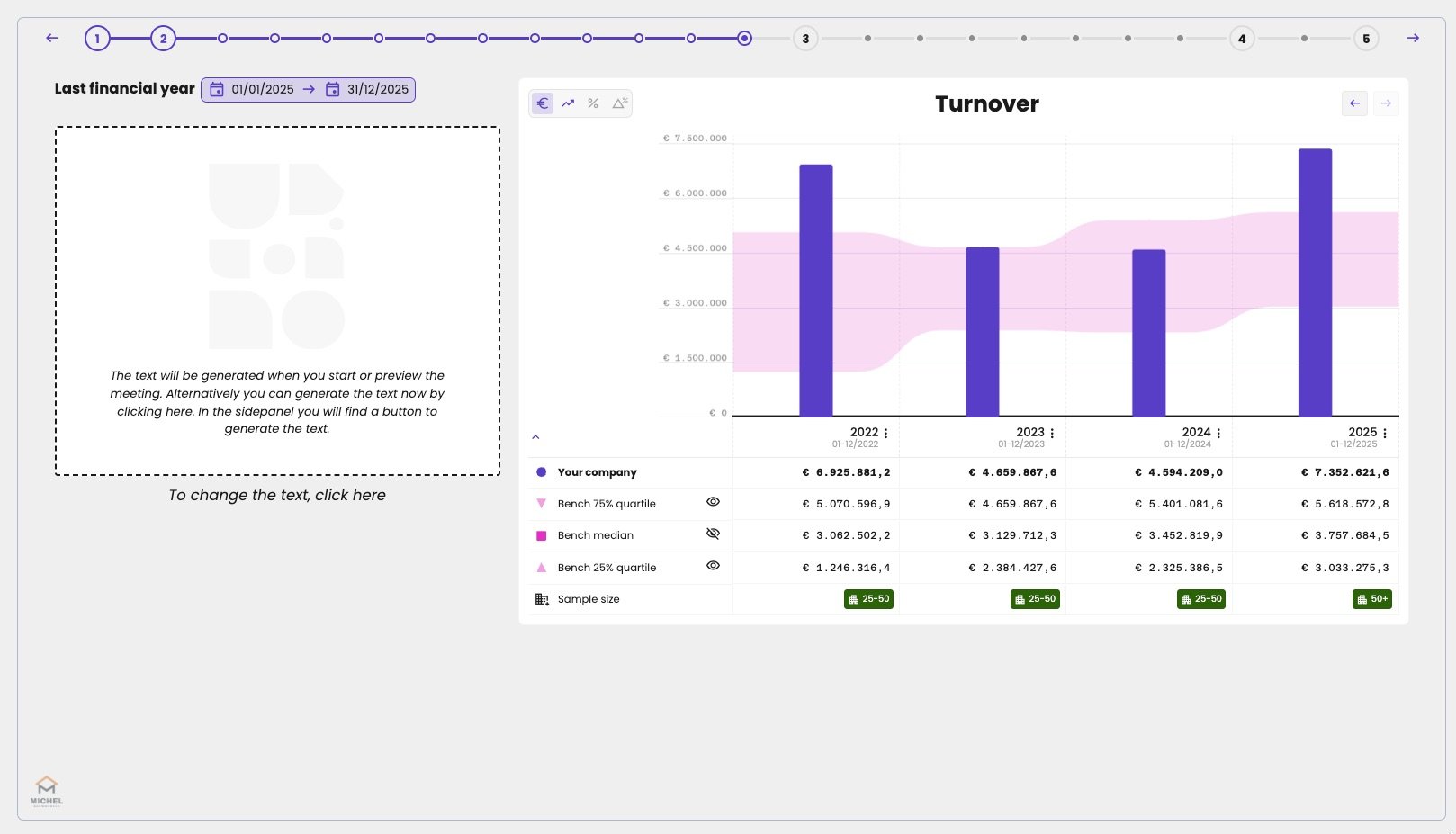
The KPI chart with the benchmark, next to a text zone.