

Options
Under Display options, choose the document. Search for it, or browse the folders:- Your own folders, with the files uploaded to the administration’s cloud drive.
- Silverfin folders, marked External sync, if the administration is in your firm’s Silverfin connector. aiGust fetches these files from Silverfin when you present. See Files from Silverfin.
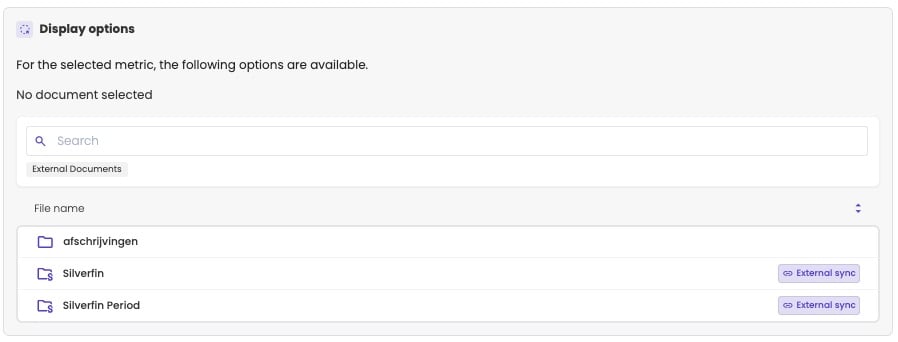
Choose a document from the administration's documents or from Silverfin.
Where it fits
A large zone. A full page is hard to read in a small zone.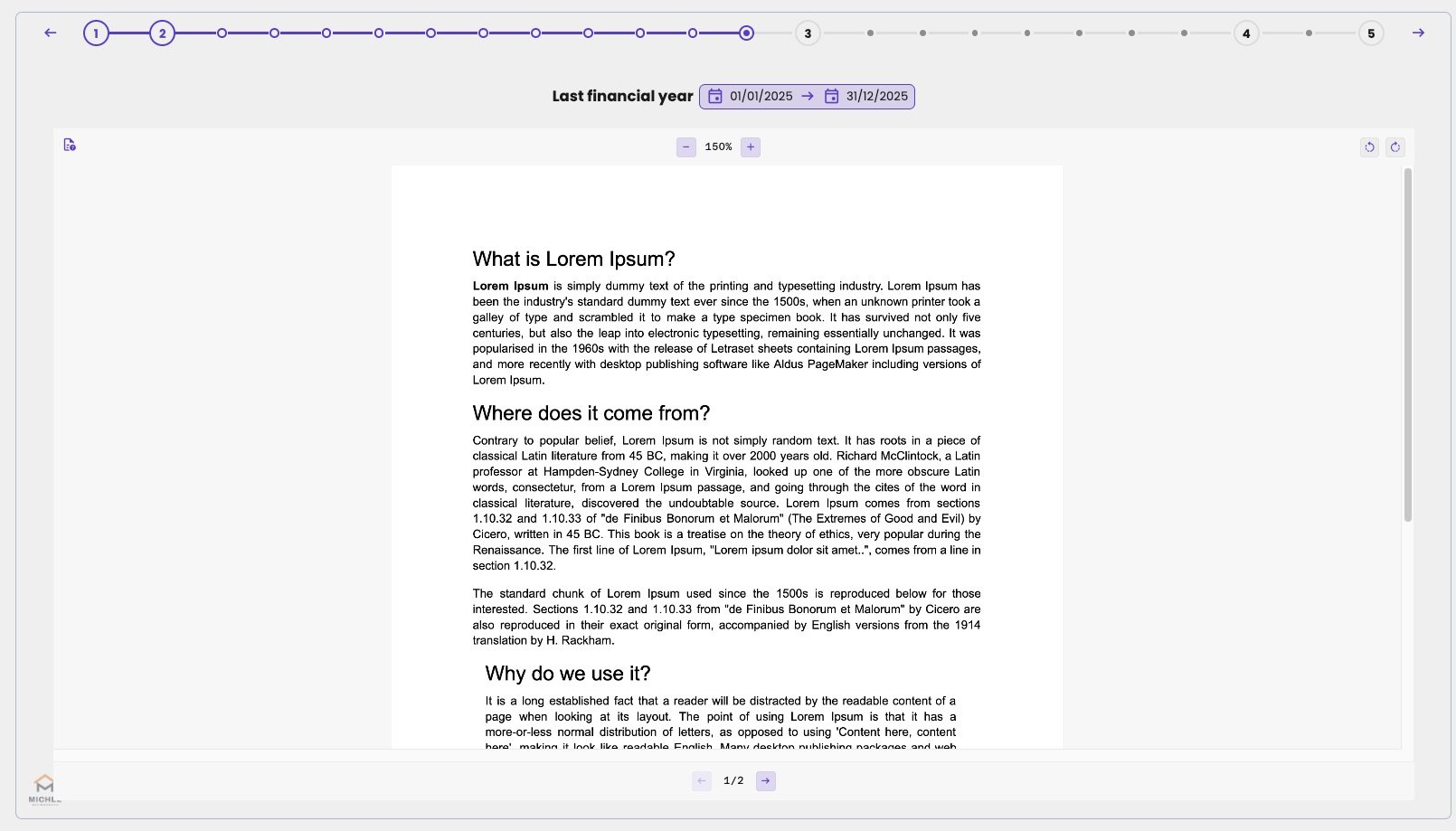
A PDF on a slide, with the zoom, rotate and page buttons.