Shows the notes and action points taken before and during the meeting. Put it on the last slide, to go over what you agreed with your client. See Take notes. To add such a slide automatically, turn on Add slide that summarizes meeting notes in the meeting settings. Internal notes stay internal: your client never sees them, also not in this widget when they open the published meeting. See Internal and public notes.

Options

Under Display options, choose which Types of notes to show: Regular notes, Action points, or both.

Display options with Types of notes to show, and the checkboxes Regular notes and Action points, both checked.

Choose the types of notes to show.

Where it fits

A large zone, or a layout of its own.
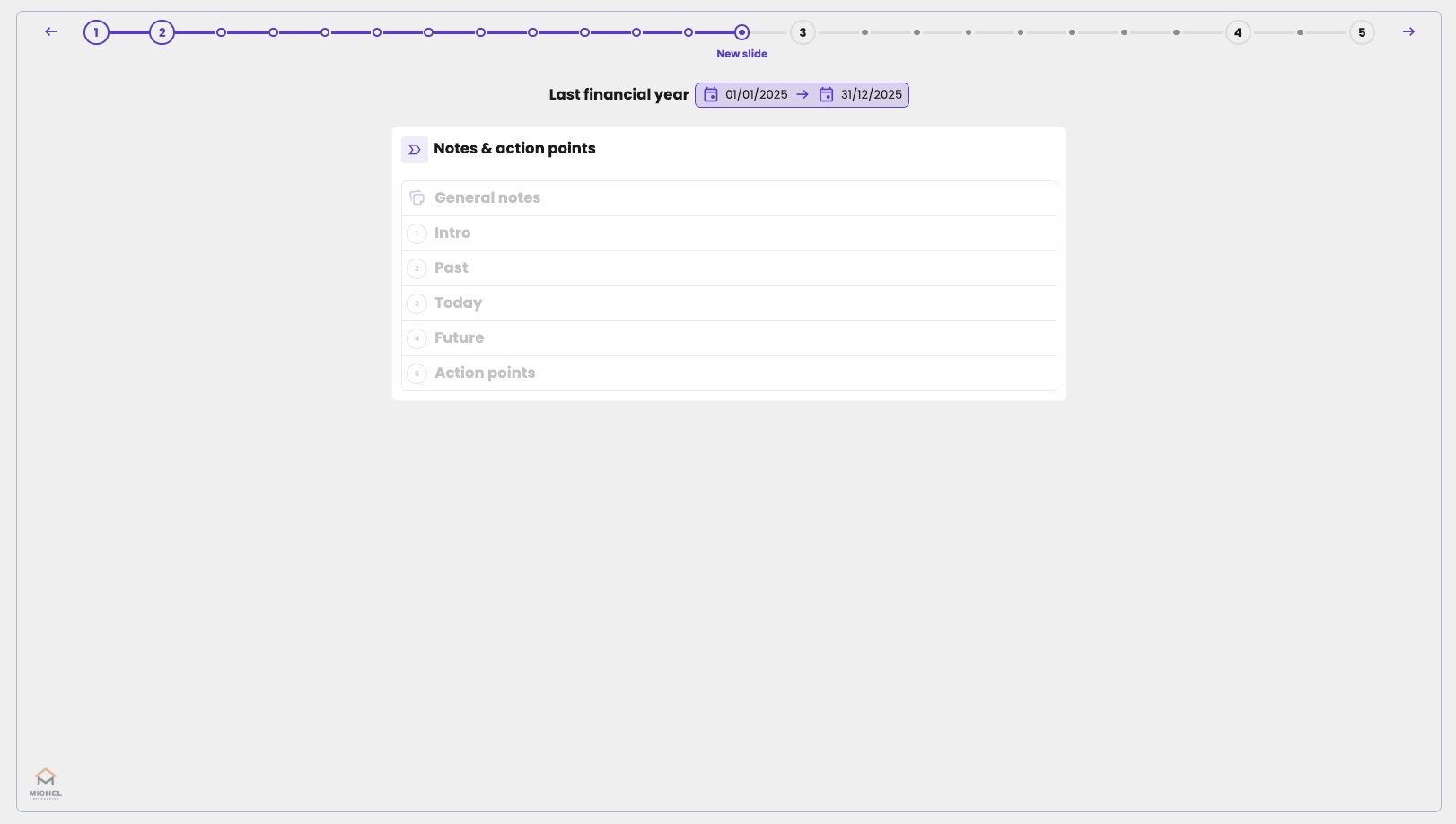
A slide for Last financial year with the widget Notes & action points, listing General notes and the sections Intro, Past, Today, Future and Action points, all greyed out because they have no notes yet.

The Meeting notes overview before any notes are taken. The notes are grouped per section.