

Add a section
- Click a group at the level where you want the section.
- Click Add group.
- Under Group settings, choose Section.
- Enter the Name, in each language: NL, EN and FR.
Add groups to a section
A new section is still empty. Click the dashed Add subgroup placeholder under it to add its first group.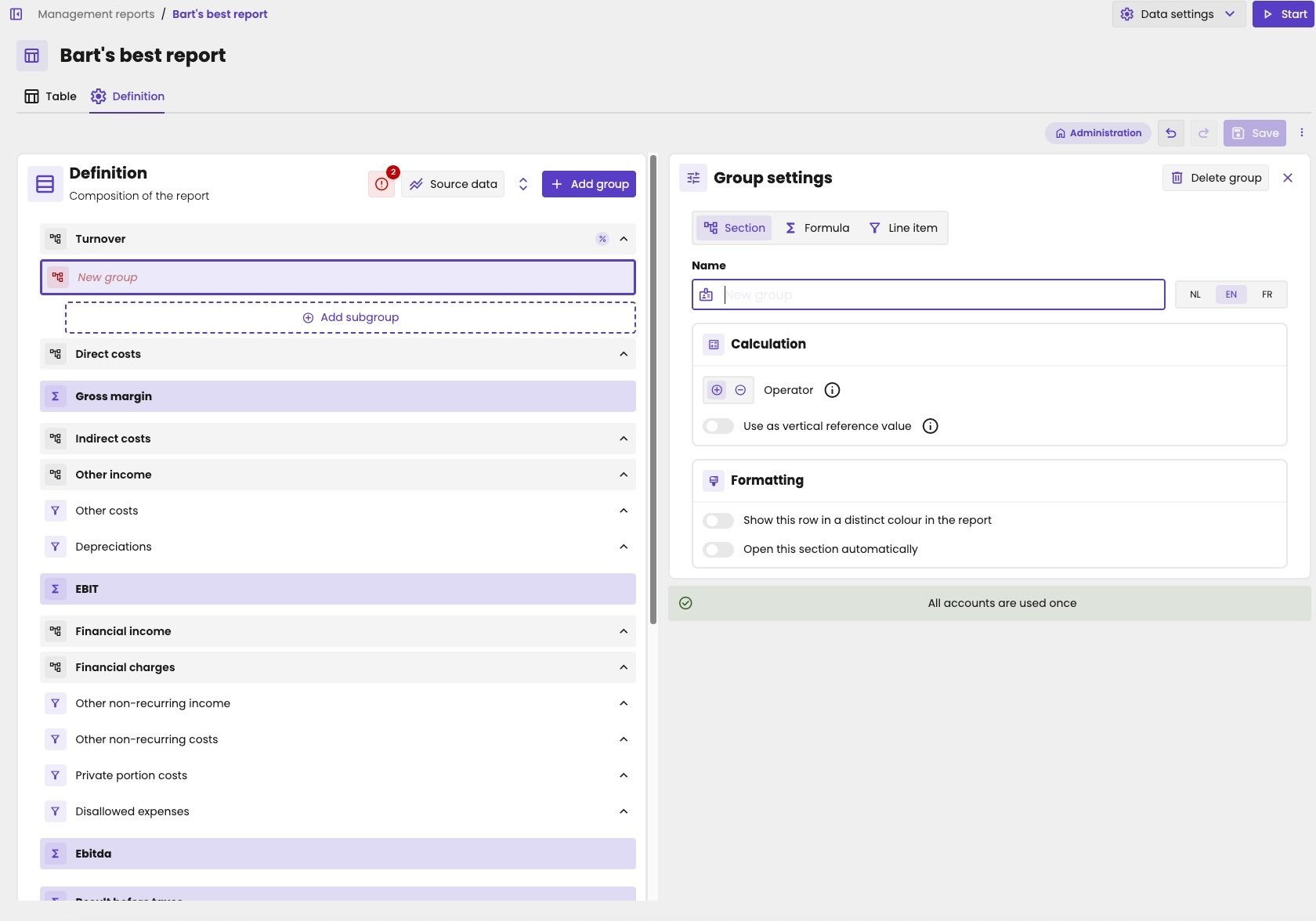
A new section at the top level, with the placeholder for its first subgroup.