

Add the connector
- Click Settings in the main rail, choose Connectors, and click Add.
- Choose Wolters Kluwer Adsolut, and click Next.
- Give the connector a Name, and click Create connector.
Adsolut only needs a name.
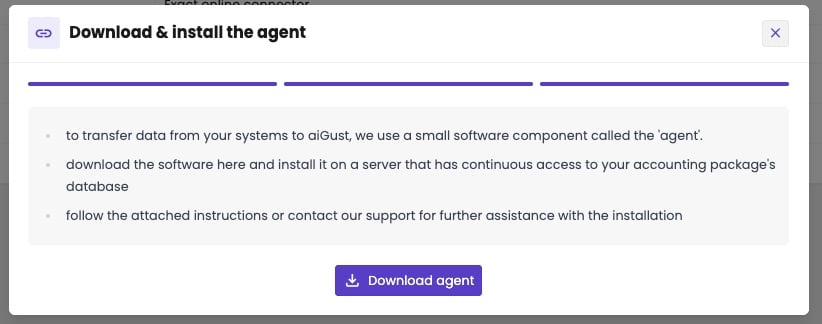
- Download & install the agent: click Download agent, and install it on a server with access to the Adsolut database. See Install the on-premise agent.
Fiscal files
Adsolut also has fiscal files (fiscaal dossier): the module where your firm closes the financial year and prepares the corporate tax return. The balances of a financial year are exported from the bookkeeping to the fiscal file. You don’t need a separate connector for them: the Adsolut connector brings the fiscal files too. aiGust treats them as a compliance source, with balances only. See Bookkeeping and compliance connectors.- An administration in the bookkeeping and in the fiscal files: that’s the case for every administration you keep the books of. aiGust uses the bookkeeping.
- An administration only in the fiscal files: aiGust uses the fiscal file. You get its balances, without transactions or business partners.