

The lists apply to all connectors of your firm.
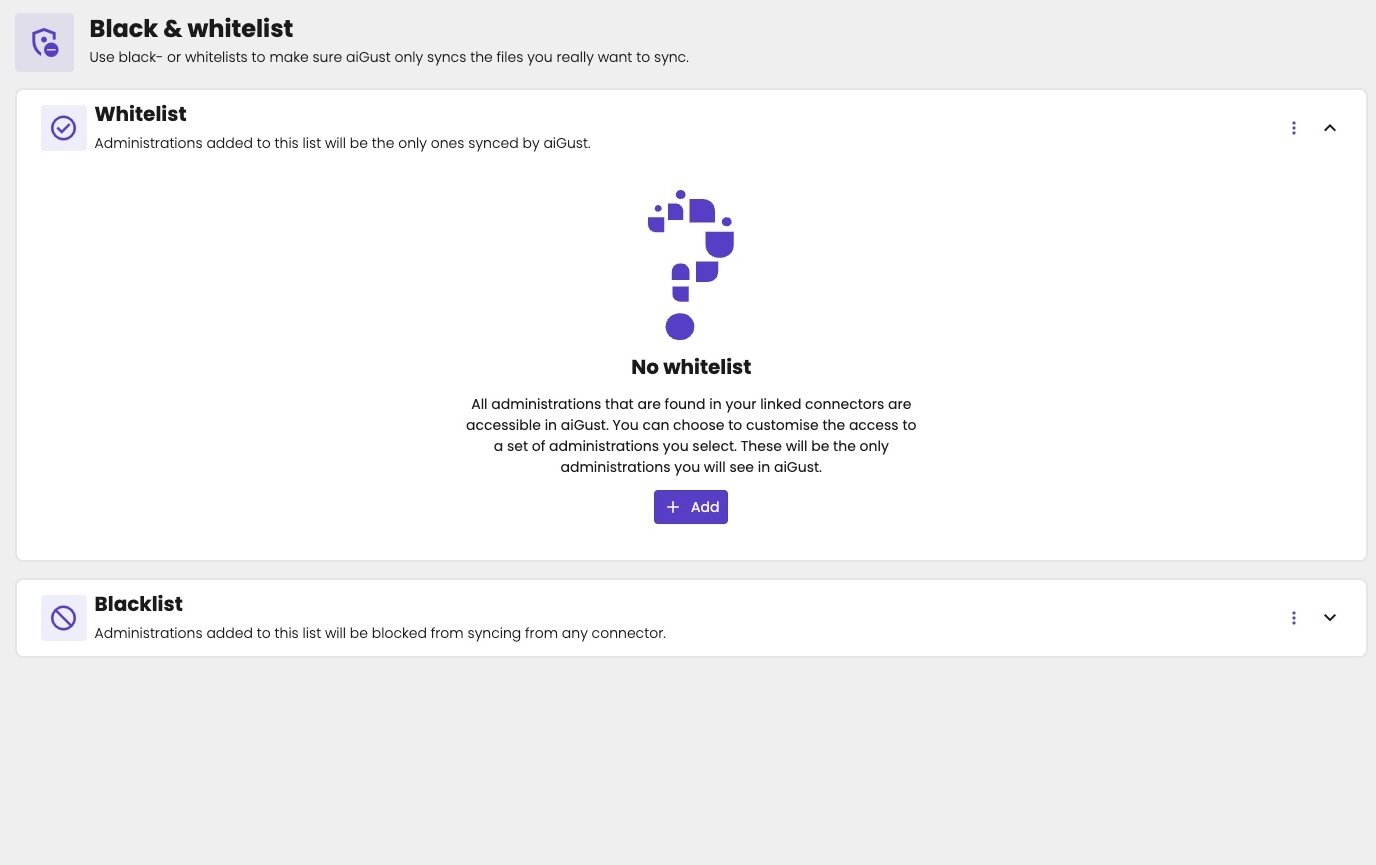
No whitelist and no blacklist: aiGust syncs all administrations.
Use a whitelist
Use a whitelist when aiGust should only show part of your clients, for example during a pilot with a few administrations.- Under Whitelist, click Add.
- Add the administrations by their VAT number. That’s the only way to add them.
- Check that the whitelist is Enabled.
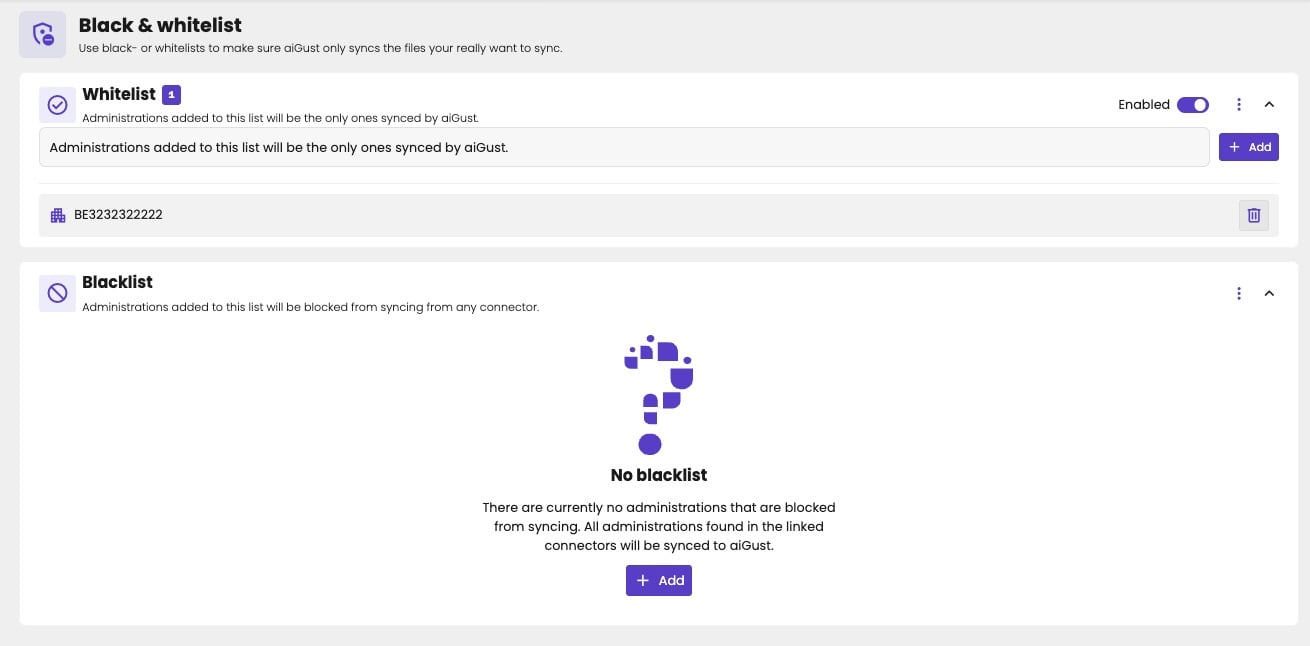
A whitelist with one administration, turned on.
Use a blacklist
Use a blacklist to keep a few administrations out of aiGust, for example administrations you no longer work for, or that you don’t want in aiGust at all.- Under Blacklist, click Add.
- Add the administrations by their VAT number.
What happens to administrations already in aiGust
When you blacklist an administration that’s already in aiGust, or leave it off the whitelist:- It disappears right away from the list of administrations and from search.
- Its figures are deleted after the next nightly sync.