

Add the connector
You connect Partena by signing in to Partena and giving aiGust access. You don’t need to fill in anything else.- Click Settings in the main rail, choose Connectors, and click Add.
- Choose Partena Professional, and click Next.
- Give the connector a Name, and click Create connector.
- Click Activate now. Sign in to Partena, and give aiGust access.
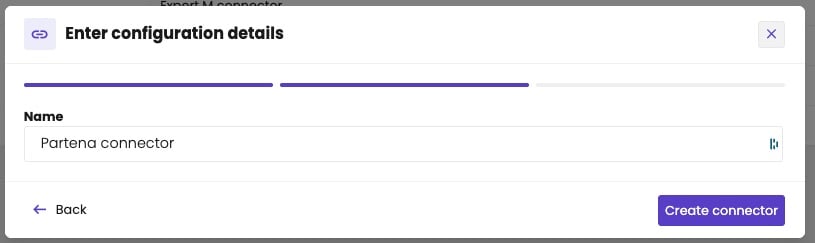
Partena only needs a name.
The access to Partena expires every 6 months. Someone then has to give access again on the Activation tab of the connector. aiGust doesn’t warn you yet, so put it in your calendar. See Activation.